

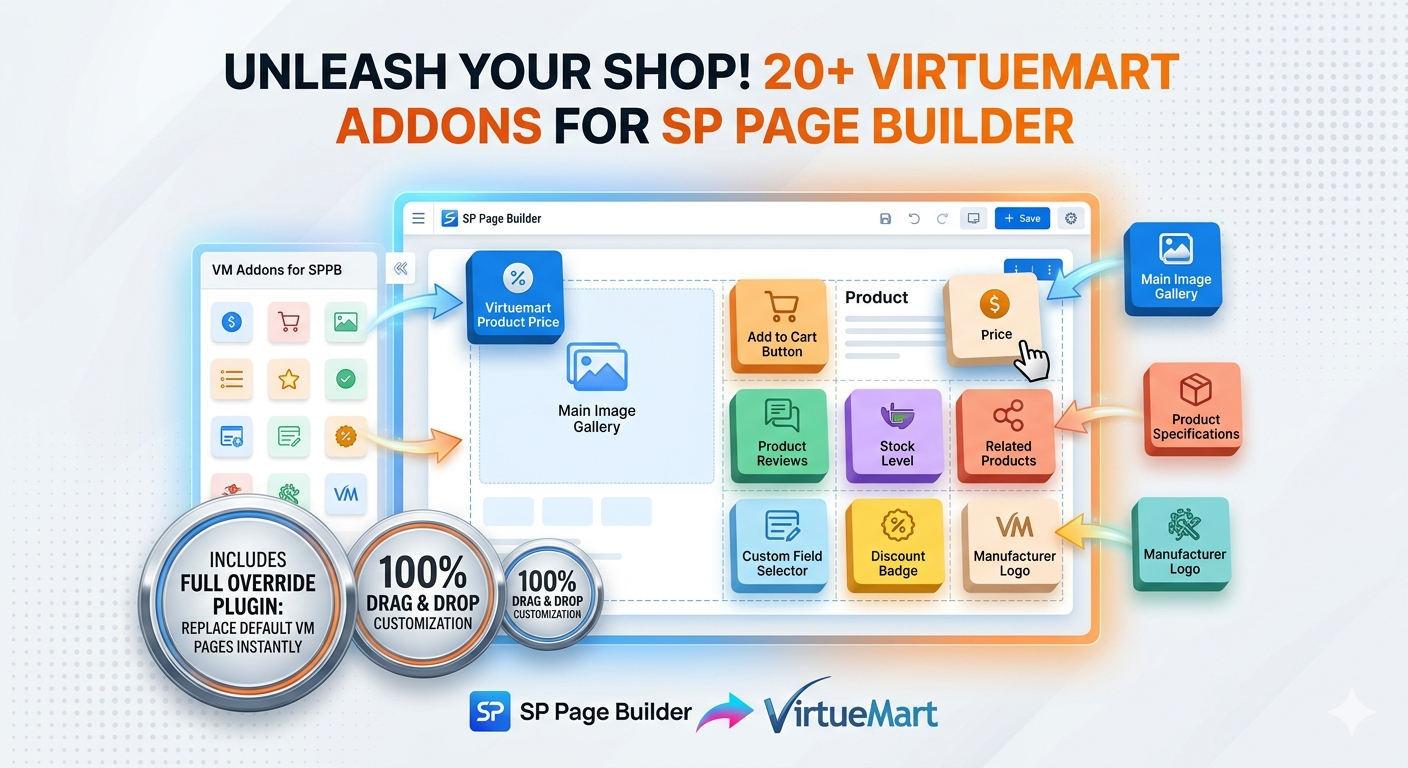
Simple to use
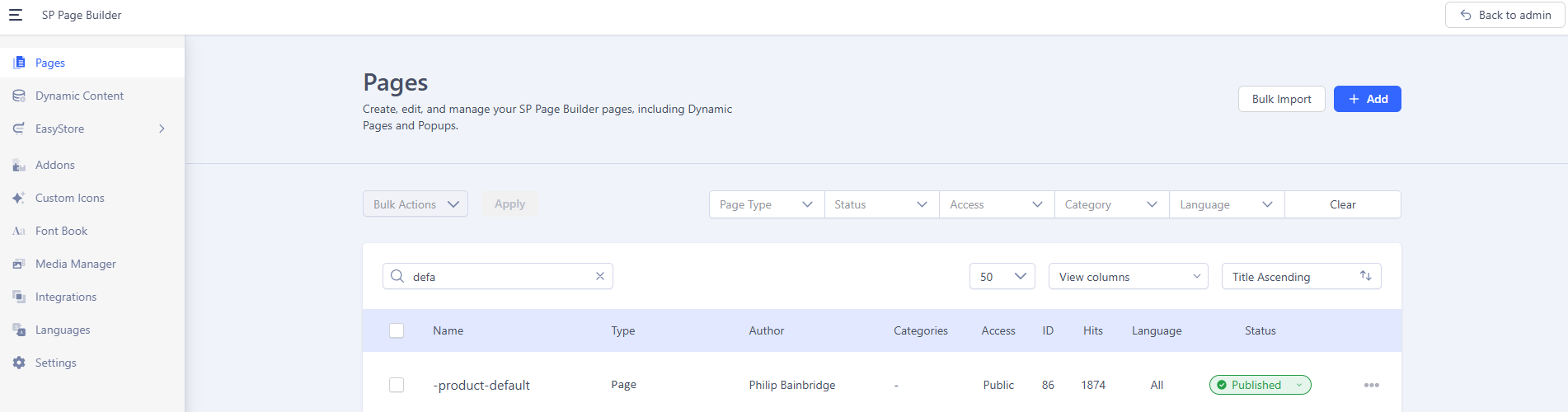
Go to SP Page Builder pages in Joomla admin & create a new page or import one of the pre designed layouts downloaded from JoomlLove.
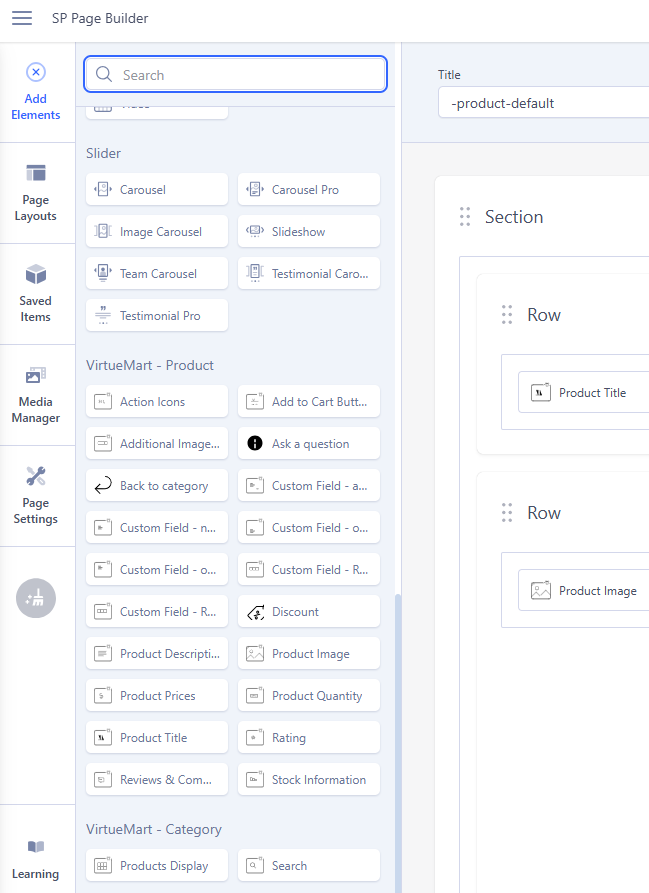
Add the product addons you wish to use and set there options to style how you want.!!
Save the Sp Page Builder page as " -product-default "
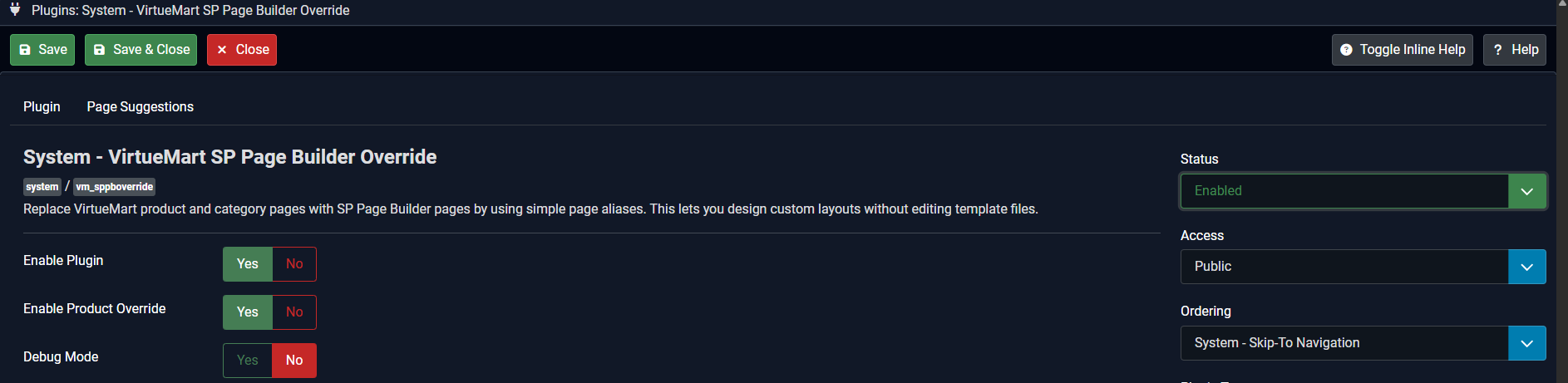
Go to Joomla Plugin Manager and enable " System - VirtueMart SP Page Builder Override "
Your product pages will now all use the layout and styling options set in your " -product-default " page
Use & Setup Images

What you get
- SP Page Builder VirtueMart Addons Plugin
- Drag-and-drop VirtueMart product elements (image, title, prices, custom fields, add-to-cart, reviews, stock, ask-question, and more).
- VirtueMart SP Page Builder Override Plugin
- Override all product pages with your SP Page Builder layouts.
- VirtueMart Ask a Question Plugin
- Clean customer enquiry flow with production-ready handling.

Why merchants love it
- Design product pages visually (no template hacking)
- Use one default layout for all products
- Create separate layouts for selected products
- Keep campaign pages and landing pages independent
- Preserve VirtueMart cart/checkout compatibility

Flexible layout strategy
1) Global default layout
Create one SP Page Builder product template and apply it to all products.
2) Per-product custom layouts
Assign special pages to specific products (e.g. premium items, bundles, seasonal products).
3) Hybrid model
Run global override + custom pages only where needed.
Works your way
- Use addons on any SP Page Builder page (manual pages)
- Override all VirtueMart product pages
- Or combine both for maximum flexibility

Recommended setup flow
1. Install package
2. Enable addons plugin
3. Build and test default SP Page Builder product page
(default page must be saved with the name -product-default in SP Page Builder)
4. Enable override plugin
5. Assign custom product layouts if needed
(to set as a custom product page, save page as -product-title-of-product)
*changing -title-of-product for the actual product title"
page name must be all lower case and spaces replaced with -
6. Enable/test Ask-a-Question sending
Best practice: always create and test the default product page before enabling full override.

Ideal for
- VirtueMart stores using SP Page Builder
- Agencies building custom product experiences
- Store owners who want no-code layout control with safe fallback structure
Addons Included & More To Come
Each addon has lots of options allowing you to easily create your own perfect layouts.
For example show your images in a full size slider, a horizontal thumbnail slider, a vertical thumbnail slider, in a grid or as a list.
Set your own custom styling for every aspect of every addon.

Action Icons

Add To Cart Button

Additional Images

Ask A Question

Back To Category

Custom Field addtocart

Custom Field normal

Custom Field onbot

Custom Field ontop

Custom Field relatedcategories
Custom Field relatedproducts

Discounts

Product Description
Product Image

Product Prices

Product Quantity
Product Title

Rating

Reviews & Comments + Form

Stock Information

Products Display

